
March 2010 Travel Photo Wallpaper Calendar Download
Good news! Travel photo wallpaper calendar for March 2010 is now available here to download! Another month to go before the month of March, there is no reason of not putting up this wallpaper calendar on your LCD. 🙂 If you still haven’t got the February 2010 wallpaper calendar, Download it first) As usual, 2 sizes are available here: 1920 x 1080 px for Full HD wide screen LCD and 1280 x 1024 px for conventional computer screen (or neither size is fitted nicely on your computer screen? Please let me know…). Choose either one to fit your LCD and download it for FREE. Or you may download both. No problem.
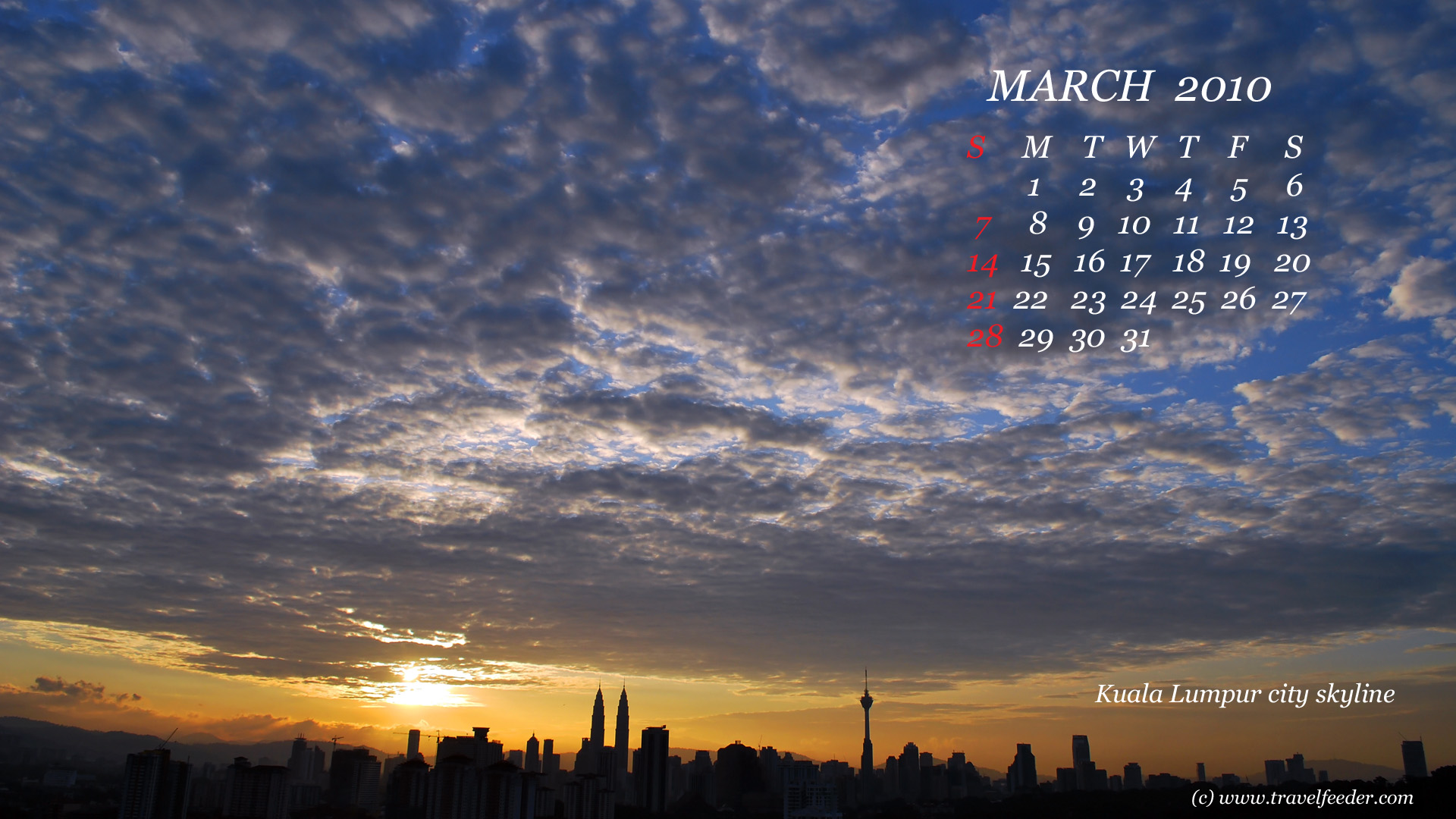 Download this widescreen version 1920 x 1080 px
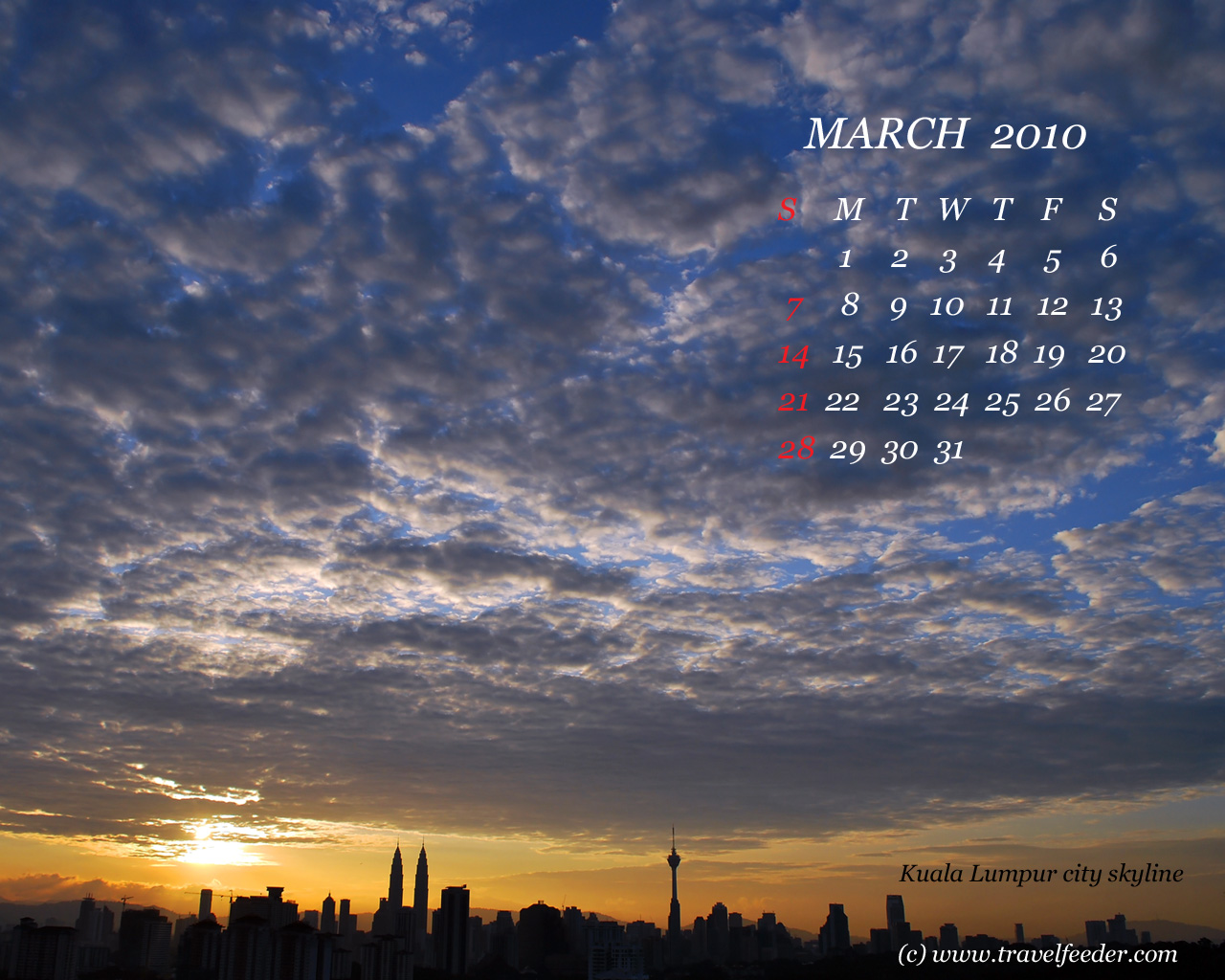 Download this standard version 1280 x 1024 px
This wallpaper photo features the scene of Kuala Lumpur city skyline at dawn. Dramatic cloudscape and in contrast to warm sunrise had attracted me to capture it immediately.
Again, this travel photo wallpaper calendar is free to download from here and there are more wallpaper calendars for other months coming up next. If you like it, please support me by dropping a note to say ‘hi‘ in the comment section of this post, or preferably, subscribe to this travel blog feeds via RSS or email for free updates, or, you may buy me a cup of coffee!  – Travel Feeder – the ultimate travel photo blog.
About The Author

Cecil Lee
The author is an avid traveler and photography hobbyist who loves to share with others his travel and photo-taking experience in many popular tourist destinations around Europe, Asia and Australasia. Read the exciting stories with many photos captured on his journeys.


fantastic skyline. where did you u take this from cecil? and the sky.. wow.. did it look like that or is it post editted to give it a more dramatic effect?
- February 6, 2010.-= lechua´s last blog ..Siem Reap – Street Food =-.
@lechua,
- February 6, 2010Yes. It’s fantastic to me too. I couldn’t resist to take this photo when I looked out from my home balcony at around 6:45am! 🙂 It looked similar in actual. In-camera processing didn’t quite get the actual impact of the scene so I adjusted the level and added in some contrast in PS to get back the effect as seen! 🙂
Good calender
- February 24, 2010It is a beautiful calendar as much as I’ve ever seen.
- January 25, 2011